
Every database.
One beautiful client.
Browse, query, and move your data across MongoDB, PostgreSQL, and Redis — written in 100% native Swift, at home on your Mac and in your pocket.
v3.0.9Free plan availableOne purchase — Mac & iPhone
35+ date macros. No more ISODate() by hand.
Type # to Start
Type # anywhere in your query and an autocomplete dropdown appears with every macro — #today, #last7days, #startOfMonth, and many more.
Works Everywhere
Macros work in filters, projections, sorts, and all 14 aggregation stages. They resolve to the correct ISODate at query time.
Always Up to Date
Macros evaluate relative to the current time on every run. Save a query with #last24hours and it always returns the latest data.
14-stage aggregation builder. Visual.
Stage-by-Stage Preview
Click any stage to see the intermediate output at that point. Watch your data transform stage by stage — no need to run the full pipeline.
Date Macros in Pipelines
Use macros like #last30days directly in your stages — $match, $addFields, and every stage that accepts date values.
Drag, Reorder, Export
Reorder stages by dragging. When the pipeline is ready, copy the raw MongoDB query or export it as a code snippet.
Move a whole database. Anywhere.
Clone to Anywhere
Copy an entire database to the same server, a saved connection, or any custom connection string — local to Atlas, staging to production.
Streams, Not Dumps
Collections stream concurrently with per-collection progress — no mongodump, no temp files, no babysitting.
Faster by Design
Index creation is deferred until after the bulk insert, so copies finish faster — the trick you'd script by hand, built in.
Three databases. One app.
Same sidebar, same shortcuts, same command palette — stop juggling three different GUIs.
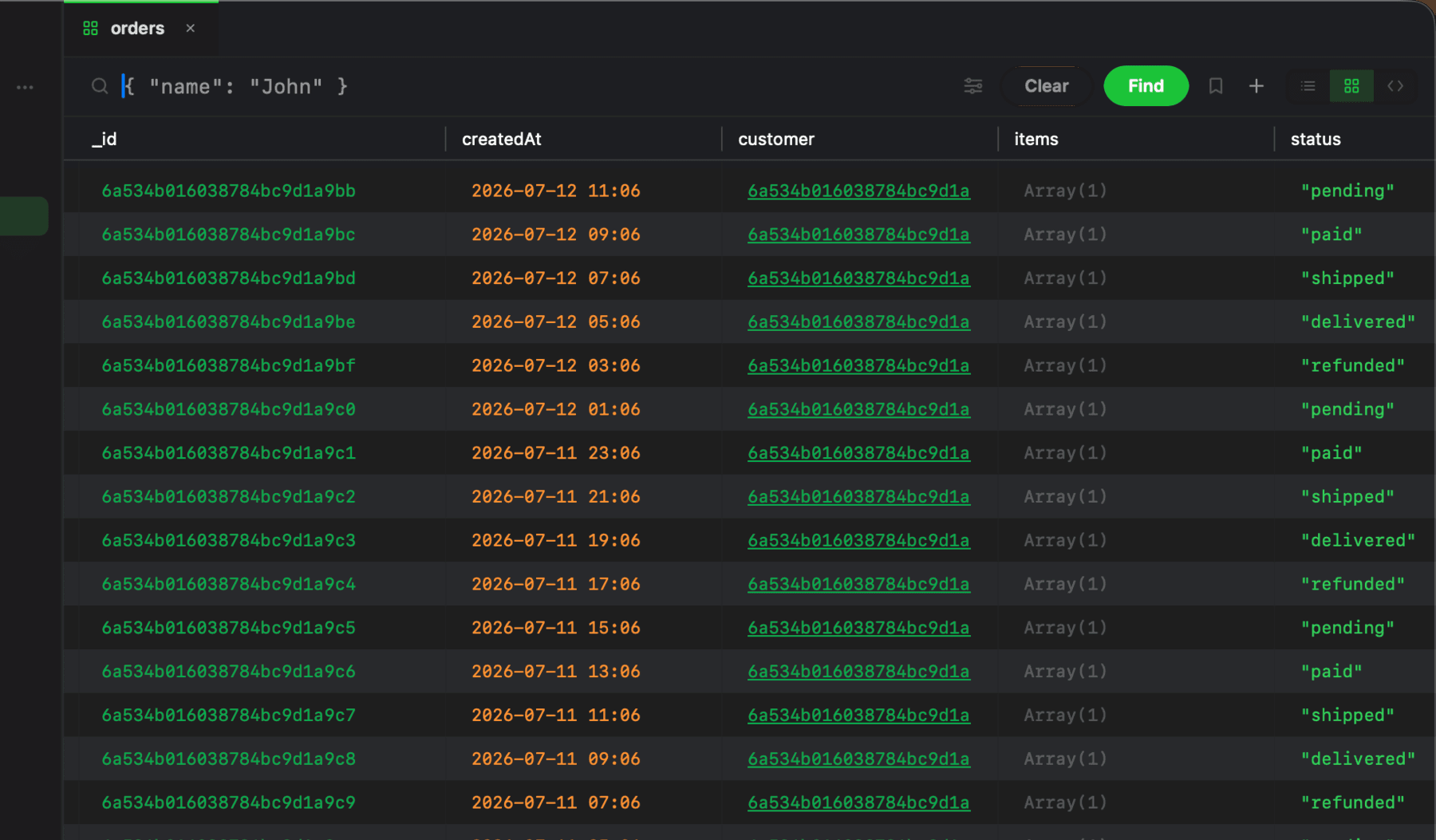
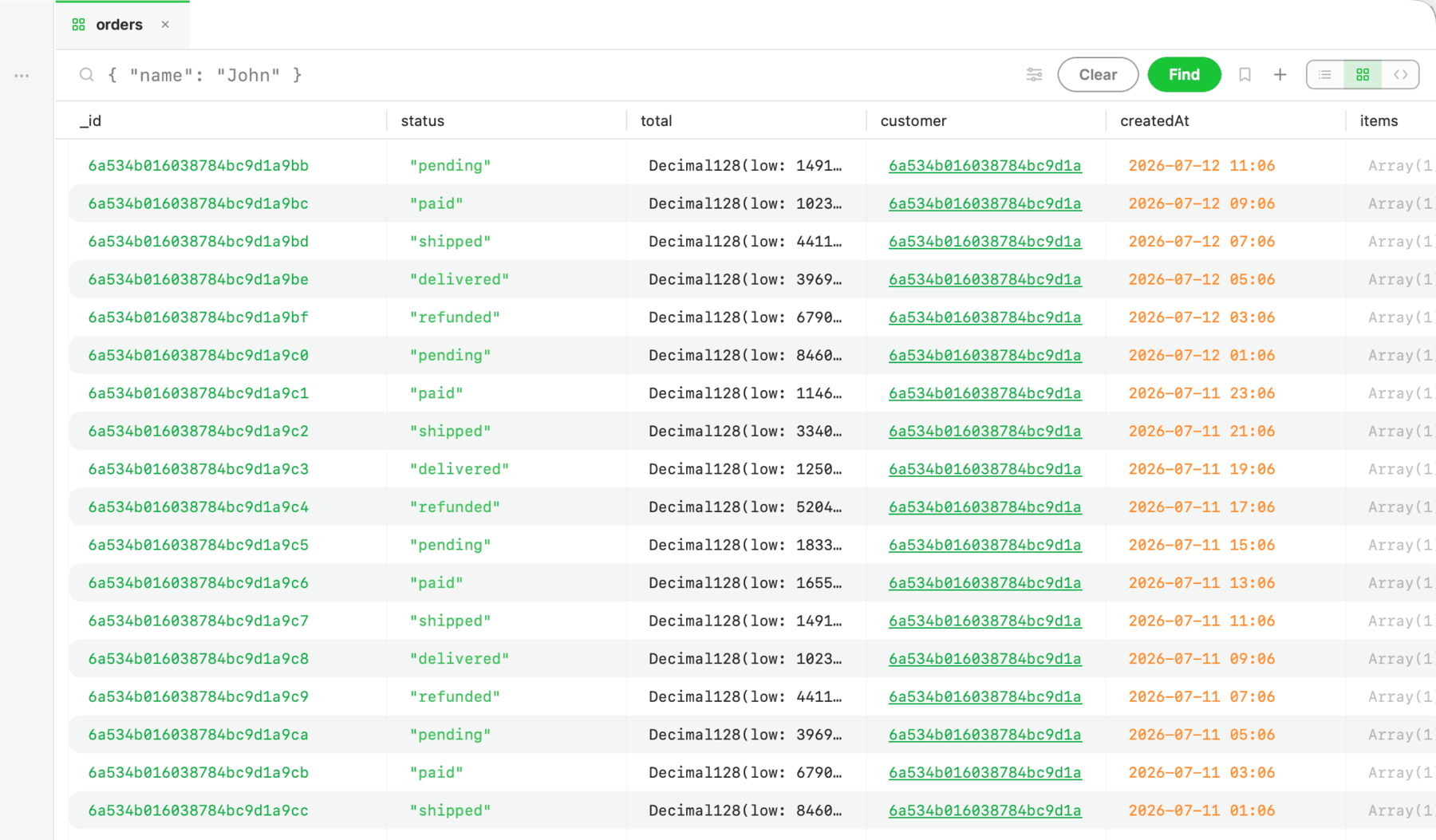
MongoDB
Visual aggregation builder with stage-by-stage preview
Built-in shell with autocomplete and history
Change streams, index management, relation navigation
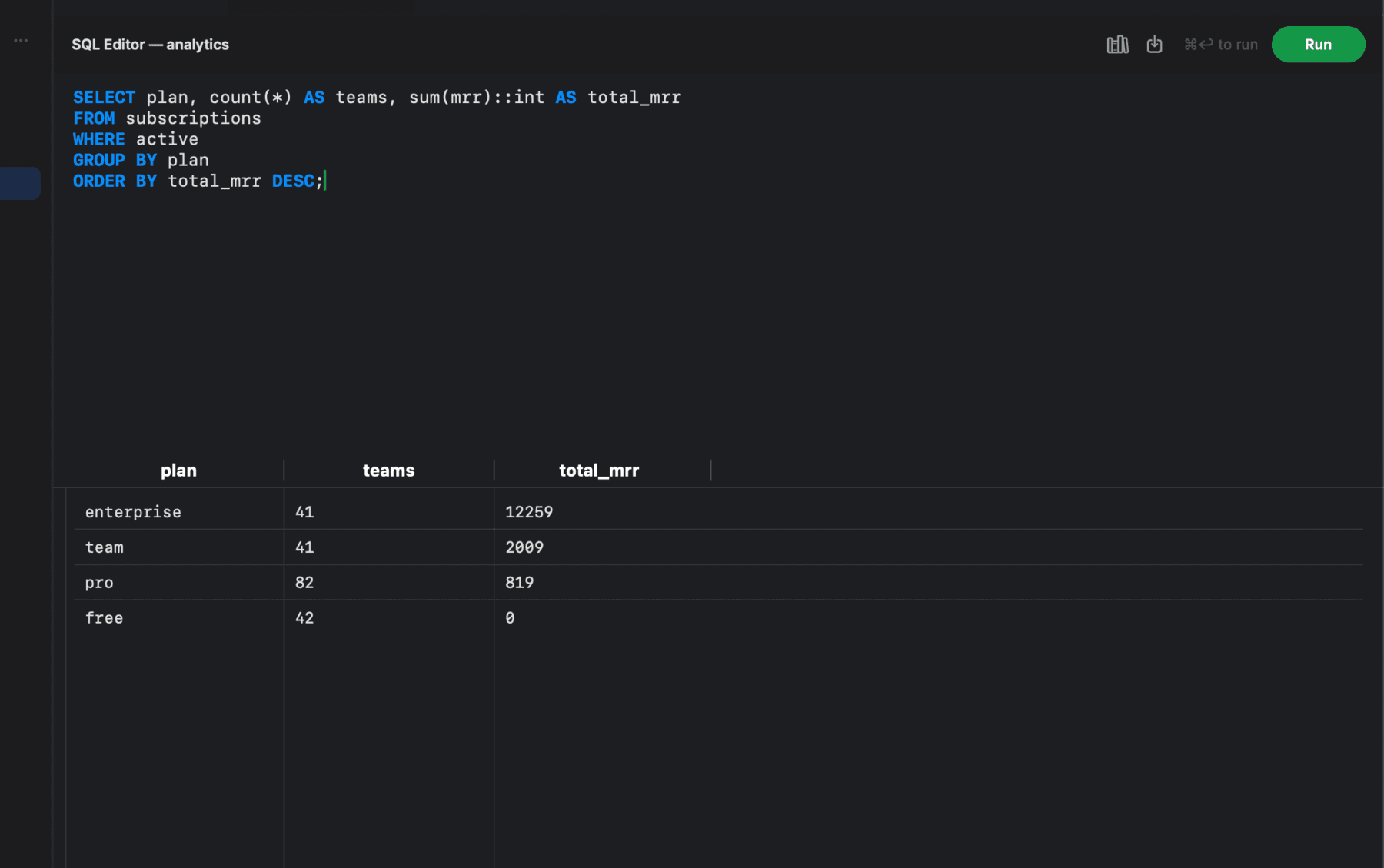
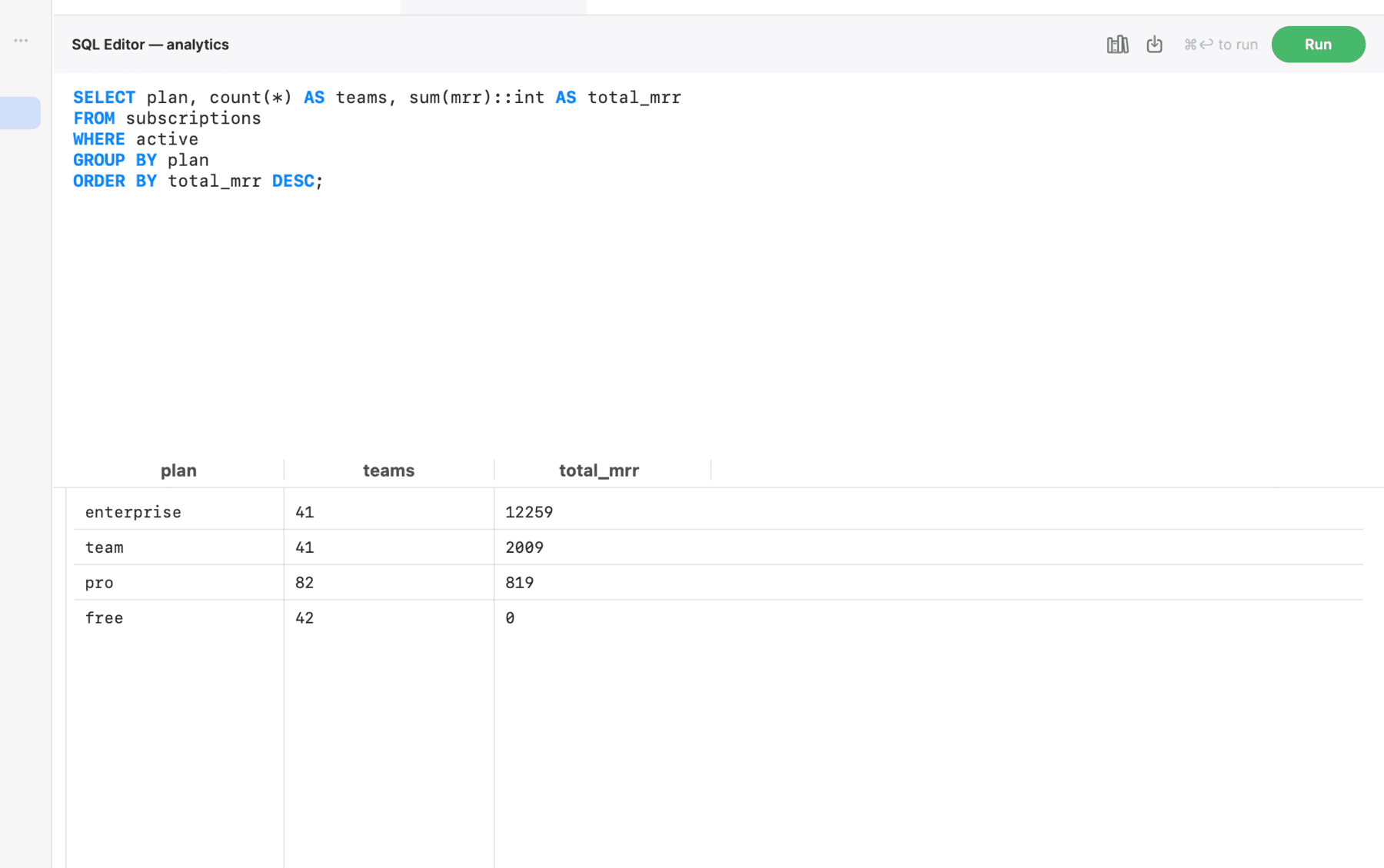
PostgreSQL
SQL editor with keyword highlighting and autocomplete
Full row CRUD and table DDL — create, rename, truncate
Index management and CSV / JSON export
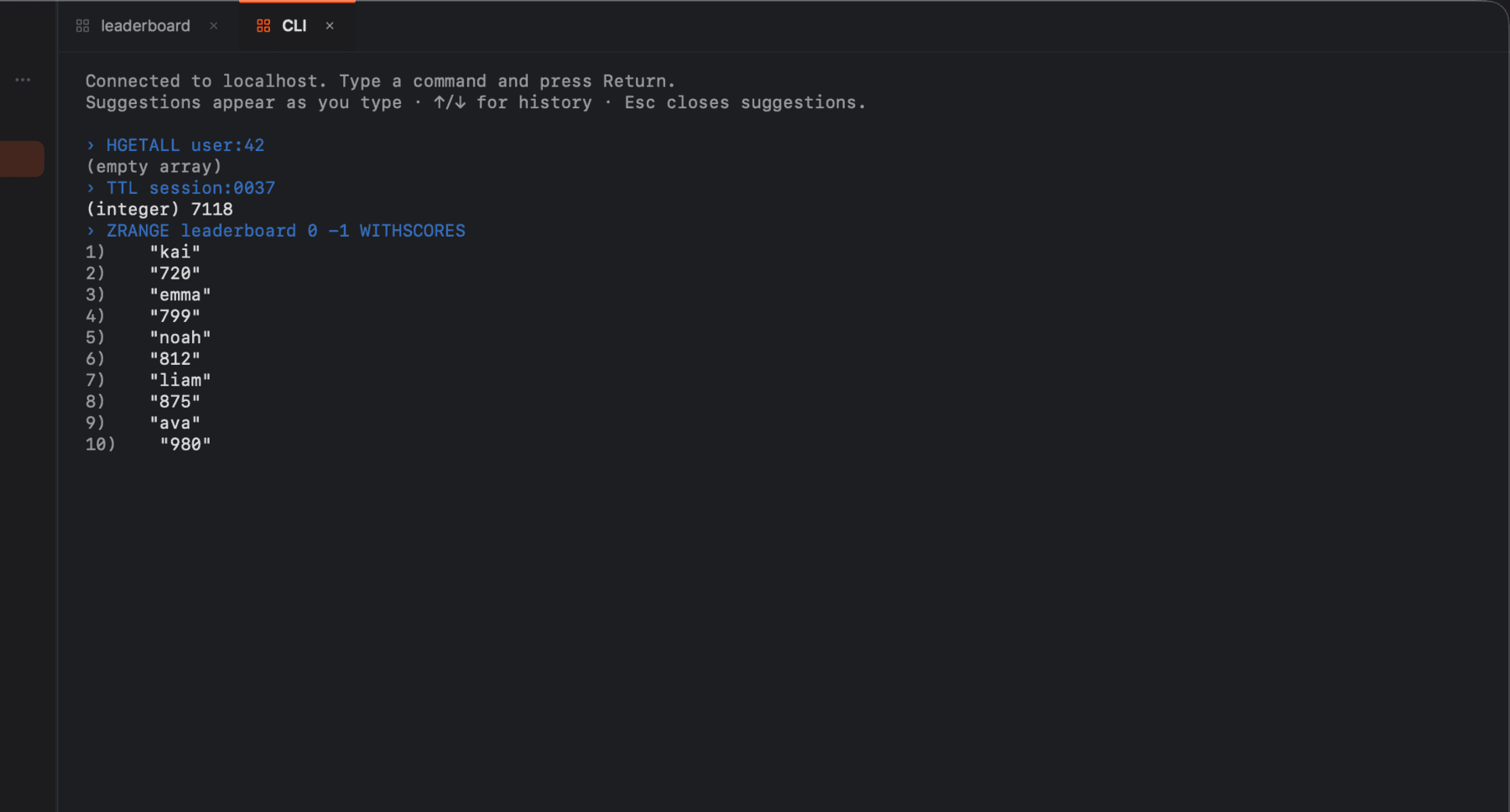
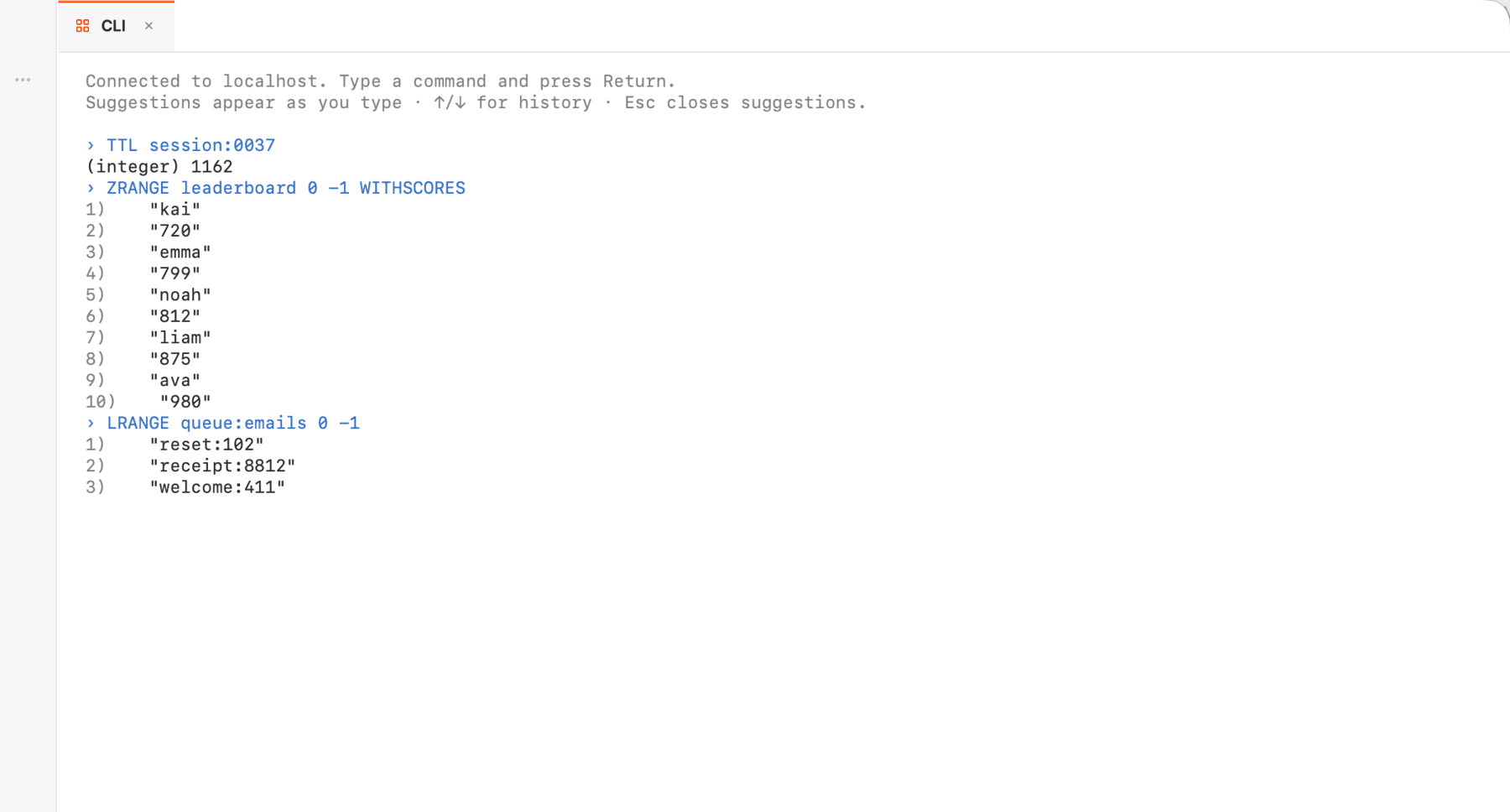
Redis
Typed value editors — hash, list, set, sorted set, stream
Single, Sentinel, and Cluster topologies
Built-in redis-cli — and every Redis feature is free
Everything else you need.
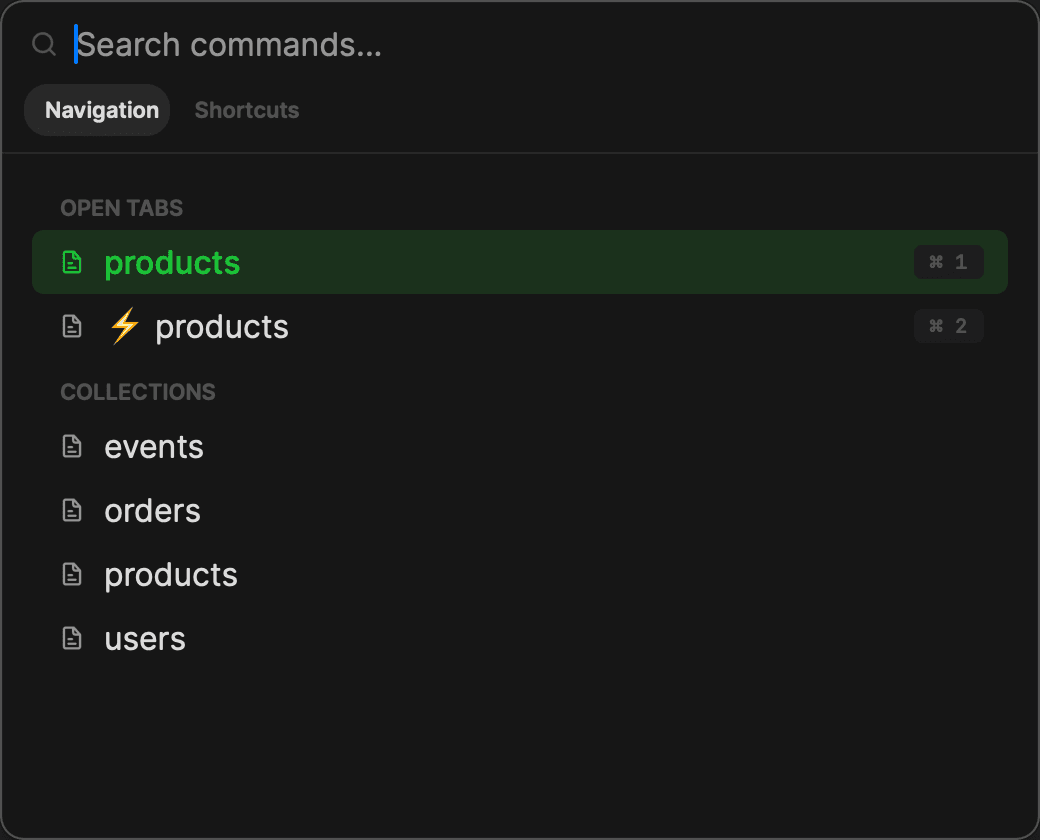
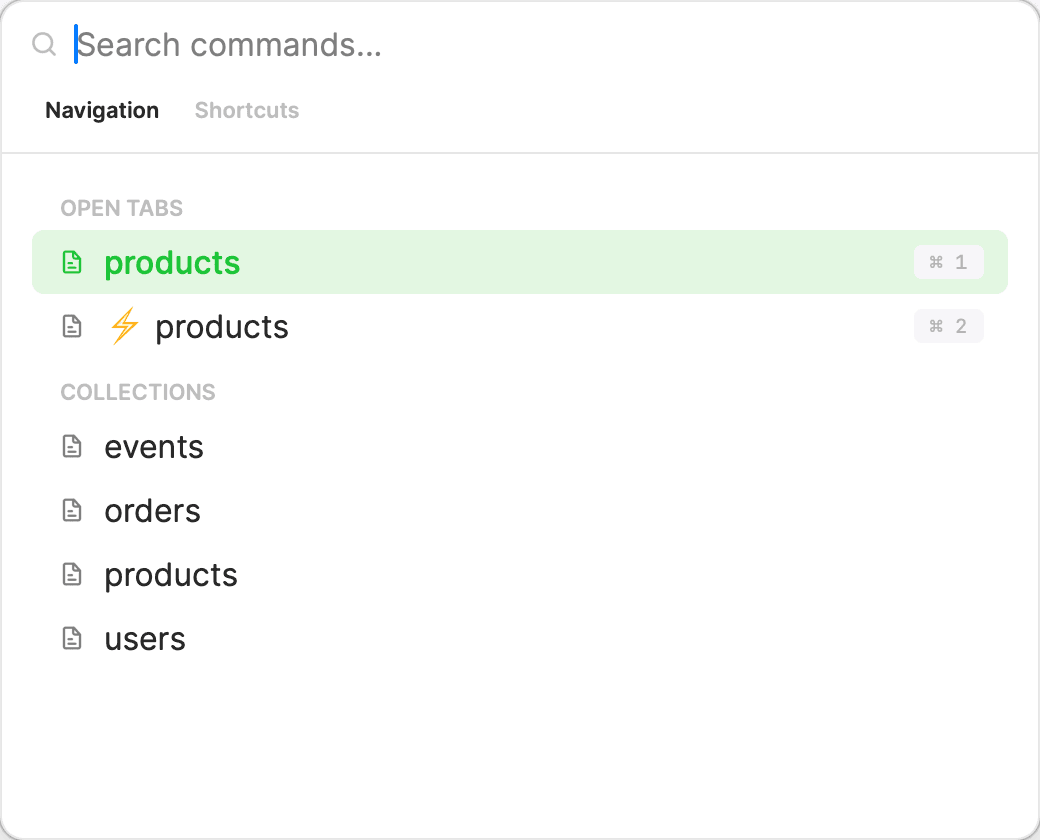
Command Palette
⌘P jumps to any collection, tab, or saved query instantly — no sidebar scrolling.
Secure Connections
TLS/SSL, SSH tunnels, SCRAM — and no servers of ours in between.
Change Streams
Inserts, updates, and deletes streaming in live — a feed for debugging.
Keyboard Shortcuts
Navigate, query, and switch tabs without touching the mouse.
Extended JSON
ObjectId(), ISODate() and friends — parsed, highlighted, editable.
Connect on your Mac. It's already on your iPhone.
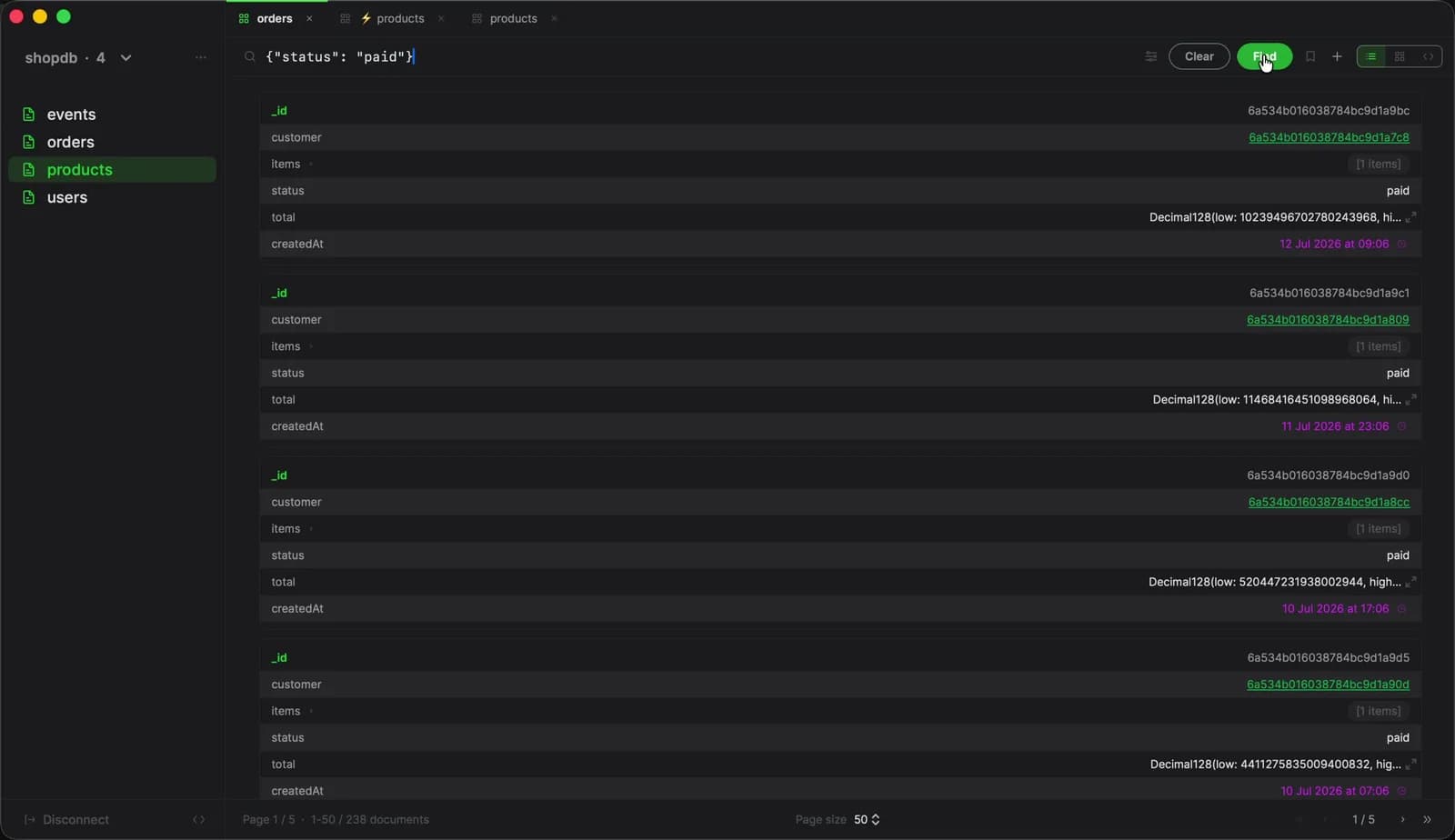
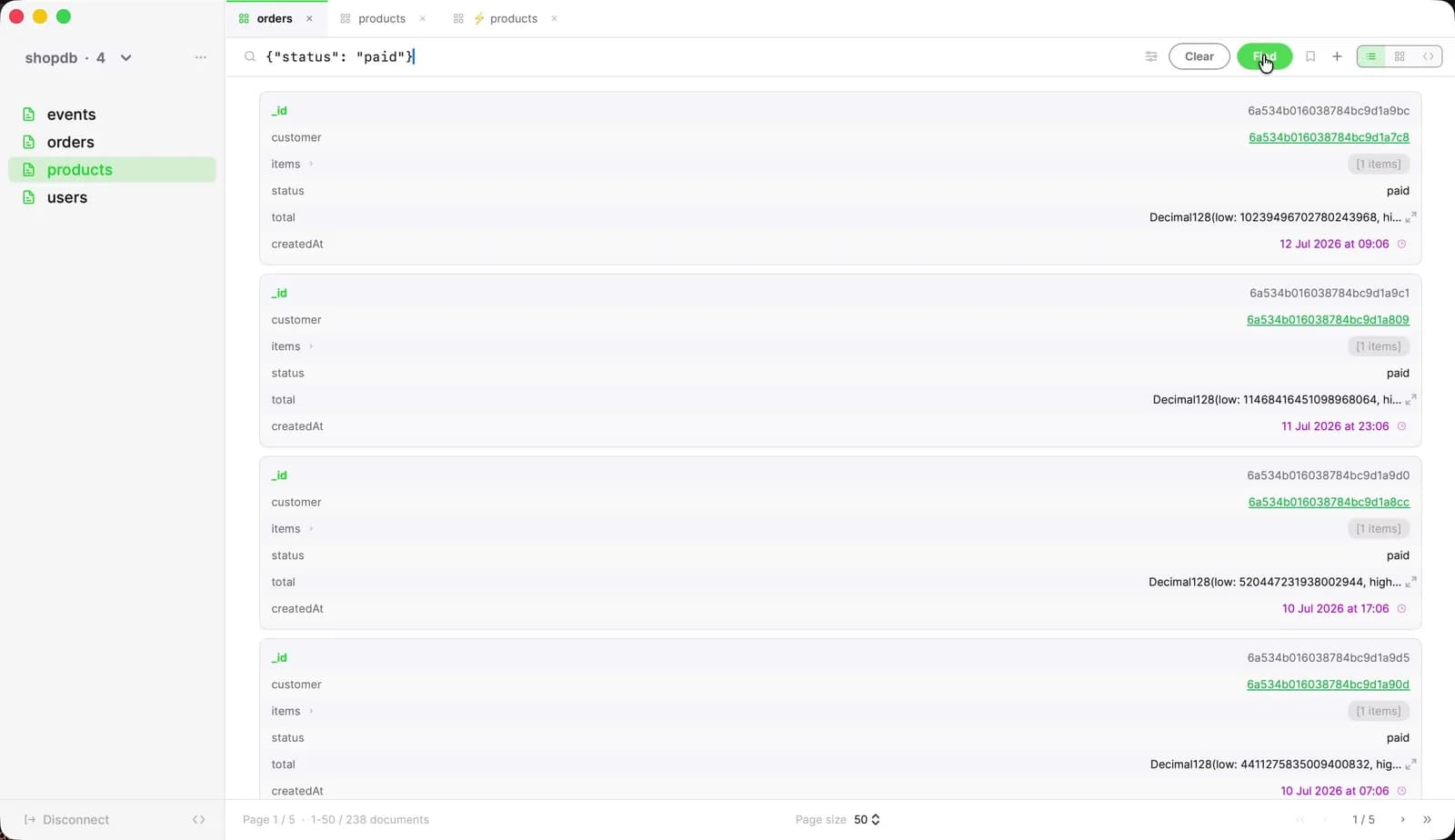
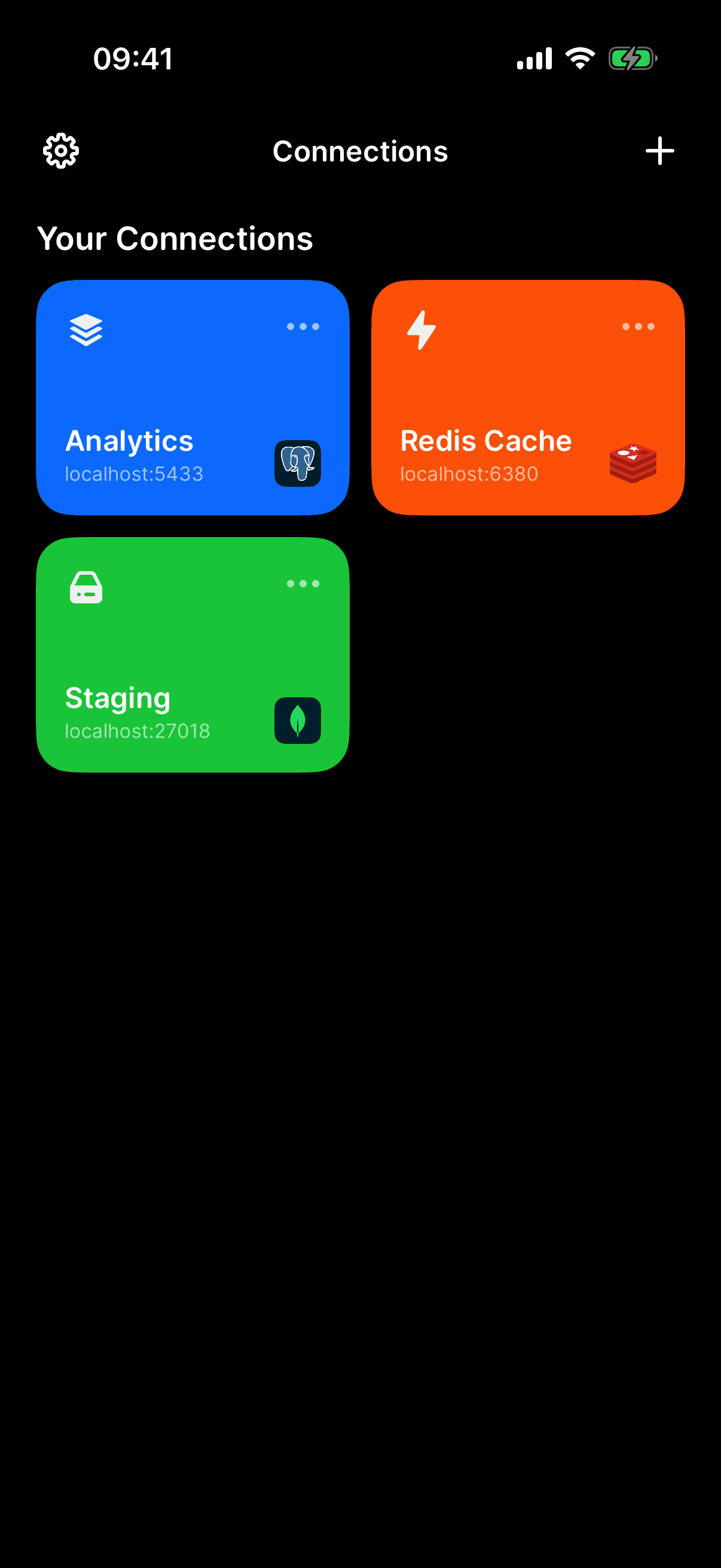
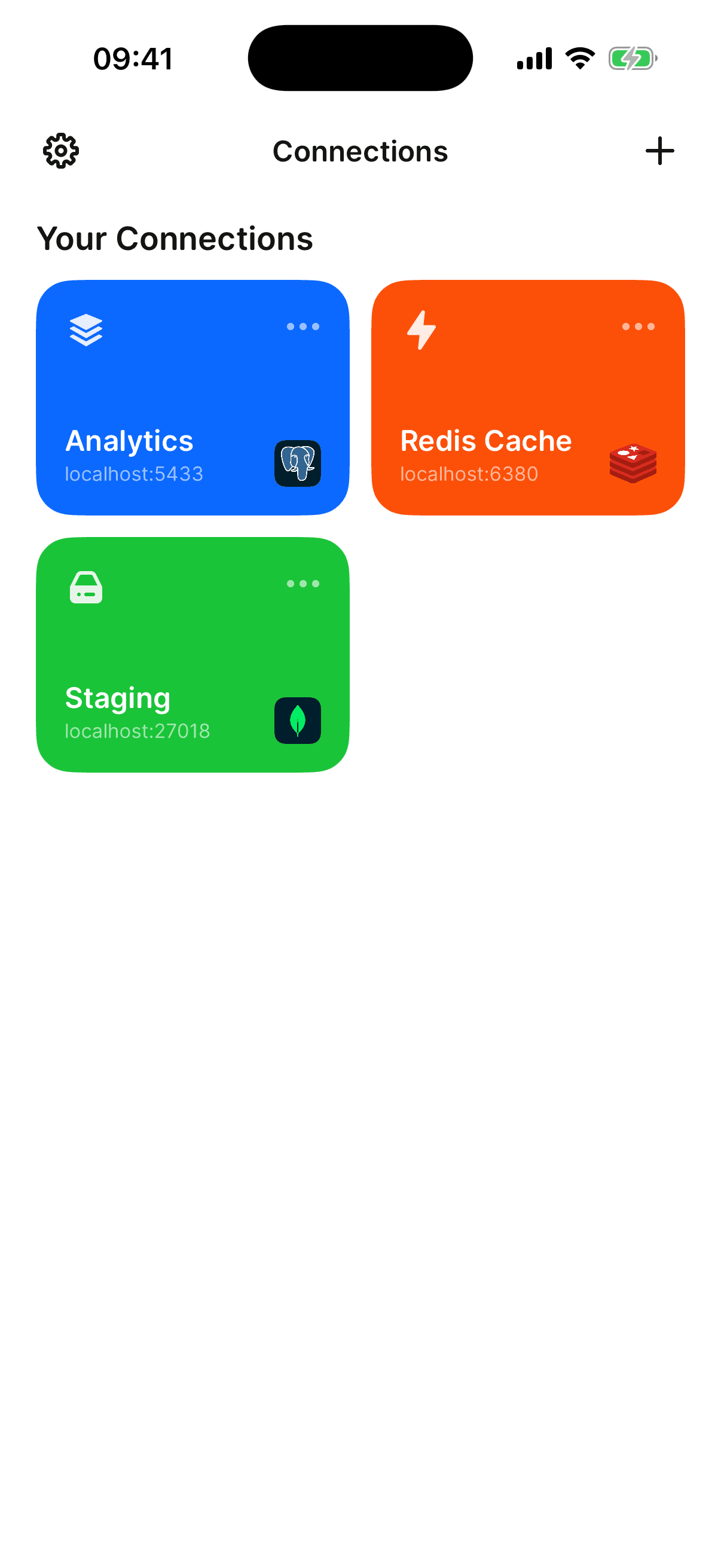
Saved connections sync through your private iCloud — no account to create, nothing to configure, no servers of ours in between. On-call at dinner? Your production database is in your pocket.
No accounts
Sync rides your Apple ID. There is no Mongon login, and there never will be.
Private by design
Connections live in your private iCloud database, encrypted in transit and at rest — we couldn't read them if we wanted to.
Face ID lock
On iPhone, Mongon locks behind Face ID the moment you background it.
Straight to your database. Nothing in between.
Mongon connects from your machine to your database with native drivers — no proxy, no relay, no account. Your queries and credentials never touch infrastructure we operate, because we don't operate any.
- TLS/SSL encryption
- SSH tunneling — password or key
- SCRAM authentication
- Sandboxed App Store build
- No account, no Mongon servers
- Sync only via your private iCloud
Free to start. Yours forever.
Upgrade with a one-time purchase or subscription — both unlock the same features on Mac and iPhone.
Free
Everything you need to browse and query your databases, every day.
- 3 connections
- Full query builder
- Relation navigation
- 35+ date macros
- Light & dark appearance
No account · No credit card
Premium
14-day free trialThe full toolkit — pipelines, sync, migrations. Lifetime purchase or a monthly subscription, same features either way.
- Unlimited connections
- Aggregation pipeline builder
- Export & import
- Change streams
- CloudKit sync — Mac & iPhone
- Copy database
One purchase — Mac & iPhone
No credit card required · Cancel anytime · Compare all features →
Loved by developers.
#Captain13
Mac App Store
A Game-Changer for MongoDB on macOS
“The UI is clean, fast, and beautifully designed for macOS. The autocomplete query editor, shortcuts, command palette, and collection browser all work together seamlessly. One of the best MongoDB clients I've used.”
faeyan
Mac App Store
Its Great
“Great app for mongodb devs, just what i needed. Its super fast and clean great little mongodb client.”
thefrowen
Mac App Store
Thanks for iOS
“Finally released iOS 🎉”
Your review goes here
Using Mongon every day? A short App Store review helps other developers find it — and genuinely makes our week.
Write a reviewFrequently asked questions.
Premium is available as a one-time purchase or an auto-renewable subscription with a 2-week free trial. Both options unlock the same features. You can manage or cancel your subscription anytime through your Apple ID settings. The free plan is free forever.
Yes. The free plan includes the full query builder, relation navigation, date macros, and light & dark appearance. Use it as long as you like — upgrade when you're ready.
Yes. Mongon works with Atlas, local instances, and any MongoDB server. Both mongodb:// and mongodb+srv:// connection strings are supported, following the official MongoDB connection string URI format.
macOS 15.1 (Sequoia) or later. Mongon is built with SwiftUI and runs natively on both Apple Silicon and Intel Macs.
CloudKit sync is a premium feature. Your saved connections sync automatically across all your Macs signed into the same iCloud account, through your private CloudKit database — only your Apple ID can access it, and nothing passes through Mongon servers (there are none).
Mongon connects directly to your databases — no intermediary server. Saved connections live on-device in the app's sandboxed storage, and optional iCloud sync goes through your private CloudKit database, encrypted in transit and at rest. Read the full security deep-dive.
All 14 stages documented in the official MongoDB aggregation reference: $match, $group, $project, $lookup, $unwind, $sort, $limit, $skip, $count, $out, $merge, $addFields, $replaceRoot, and $sample. Each stage has a structured input form and a live preview.